










Password Reset
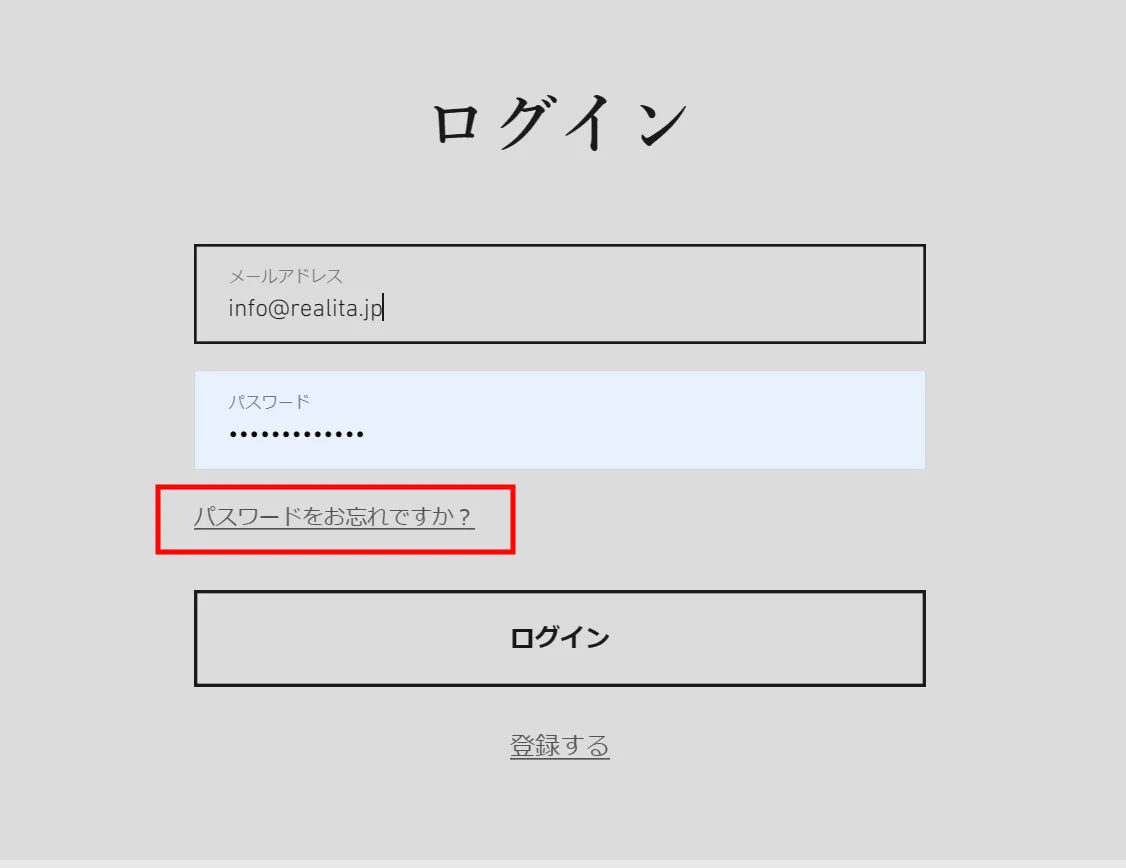
Please click "Forgot your password?" on the login screen.
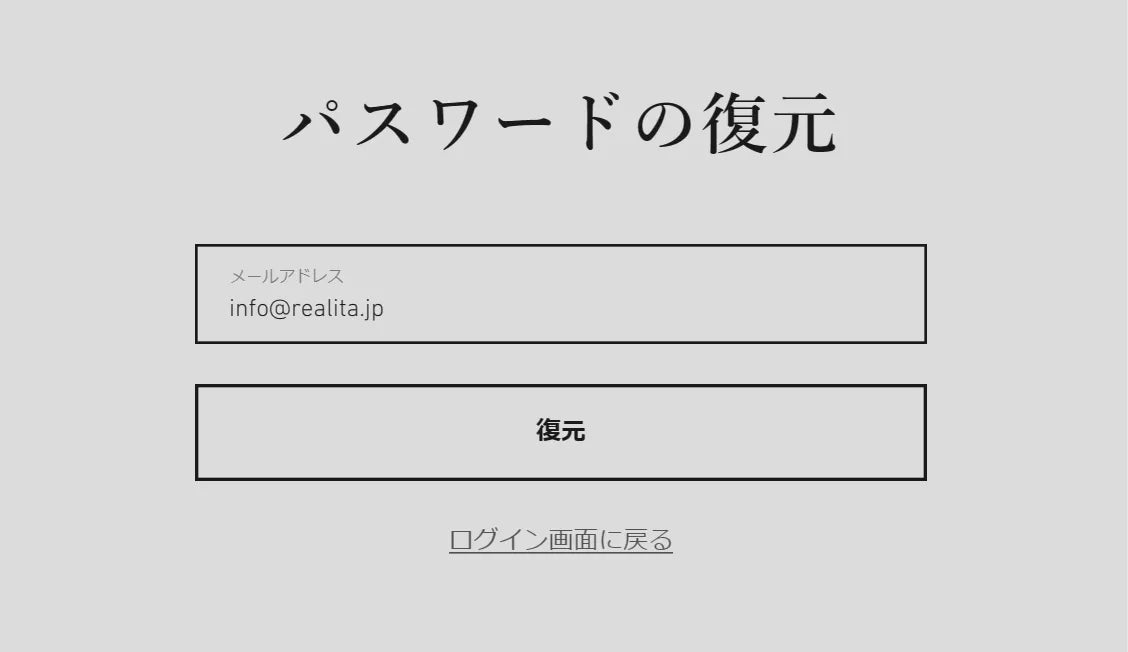
Enter your email address
Enter the email address you used for registration on the old site. Click "Restore," and a password reset email will be sent to the address you provided. Click the "Reset Password" link in the email body.
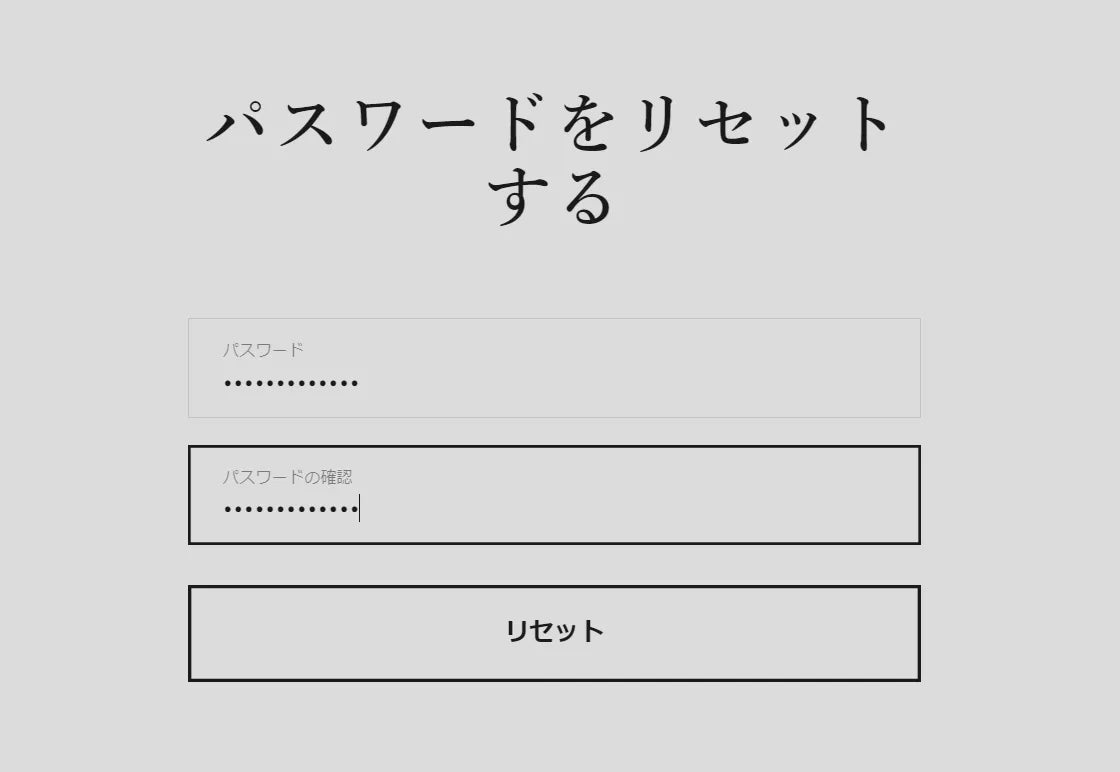
Enter a new password
Follow the link in the STEP 2 email to reach the screen shown on the left, where you can enter your new password. Please enter it twice for confirmation. Once entered, click the reset button.
This completes the process. Your member registration for the new site is now finished, and you can continue to use the points you accumulated on the old site.
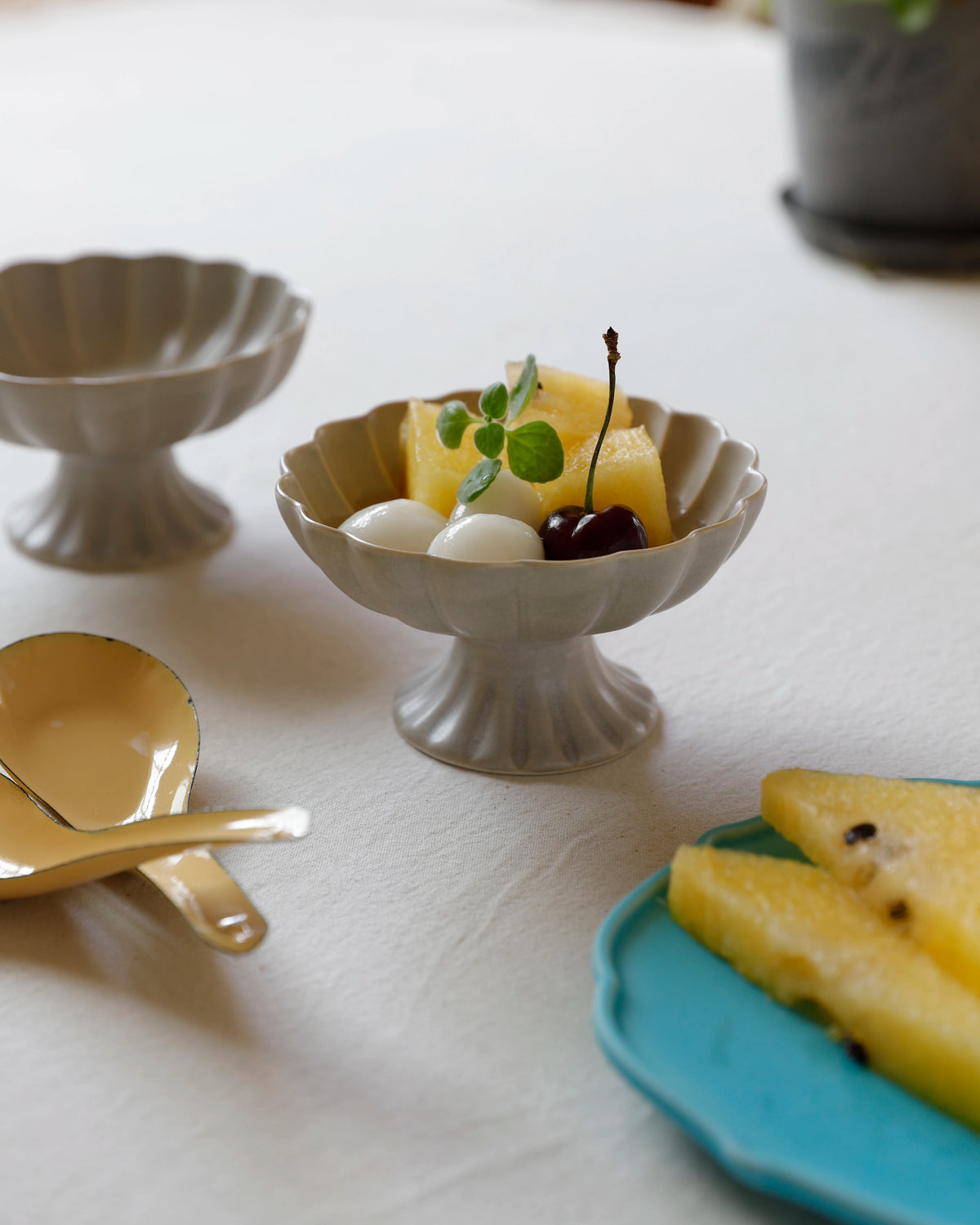
Cool, semi-matte texture

Shochu-dedicated hot water mixing cup

A global brand that inherits history and technology.

The charm and warmth of gosu blue.
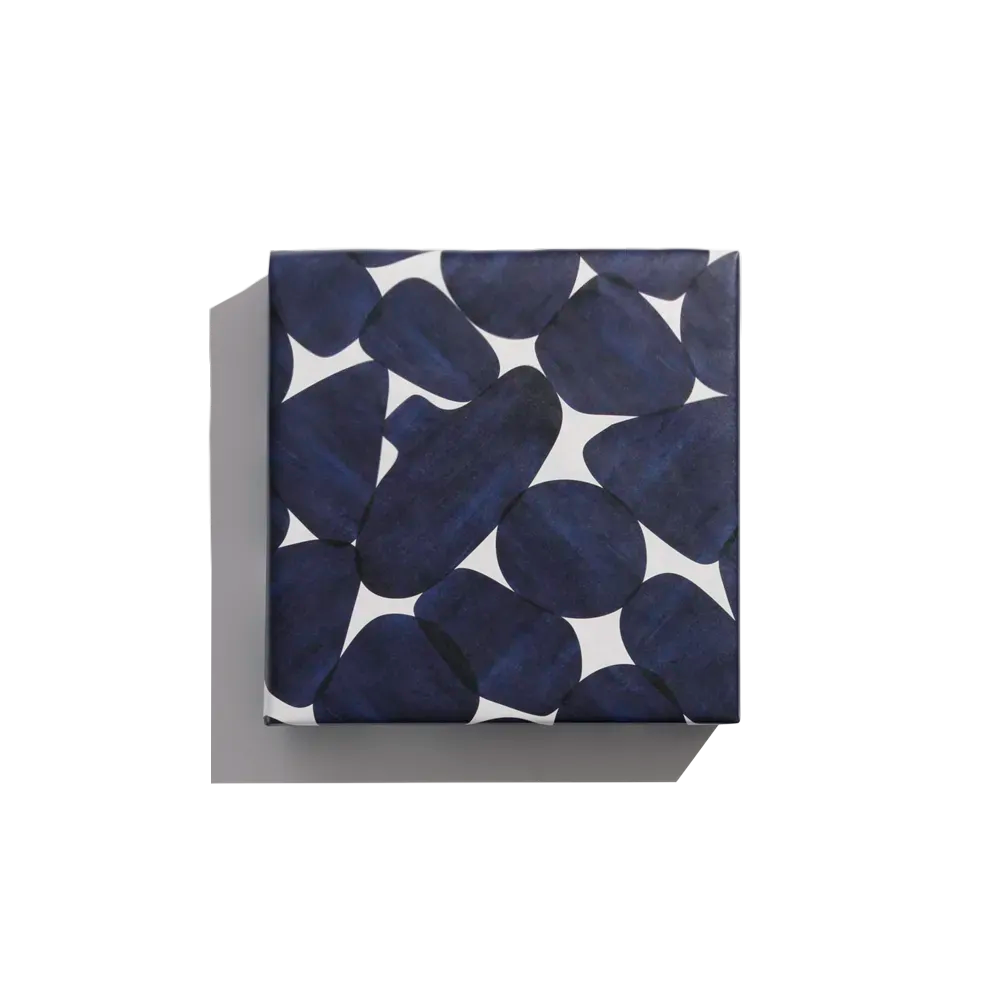
A Gift of Arita Ware
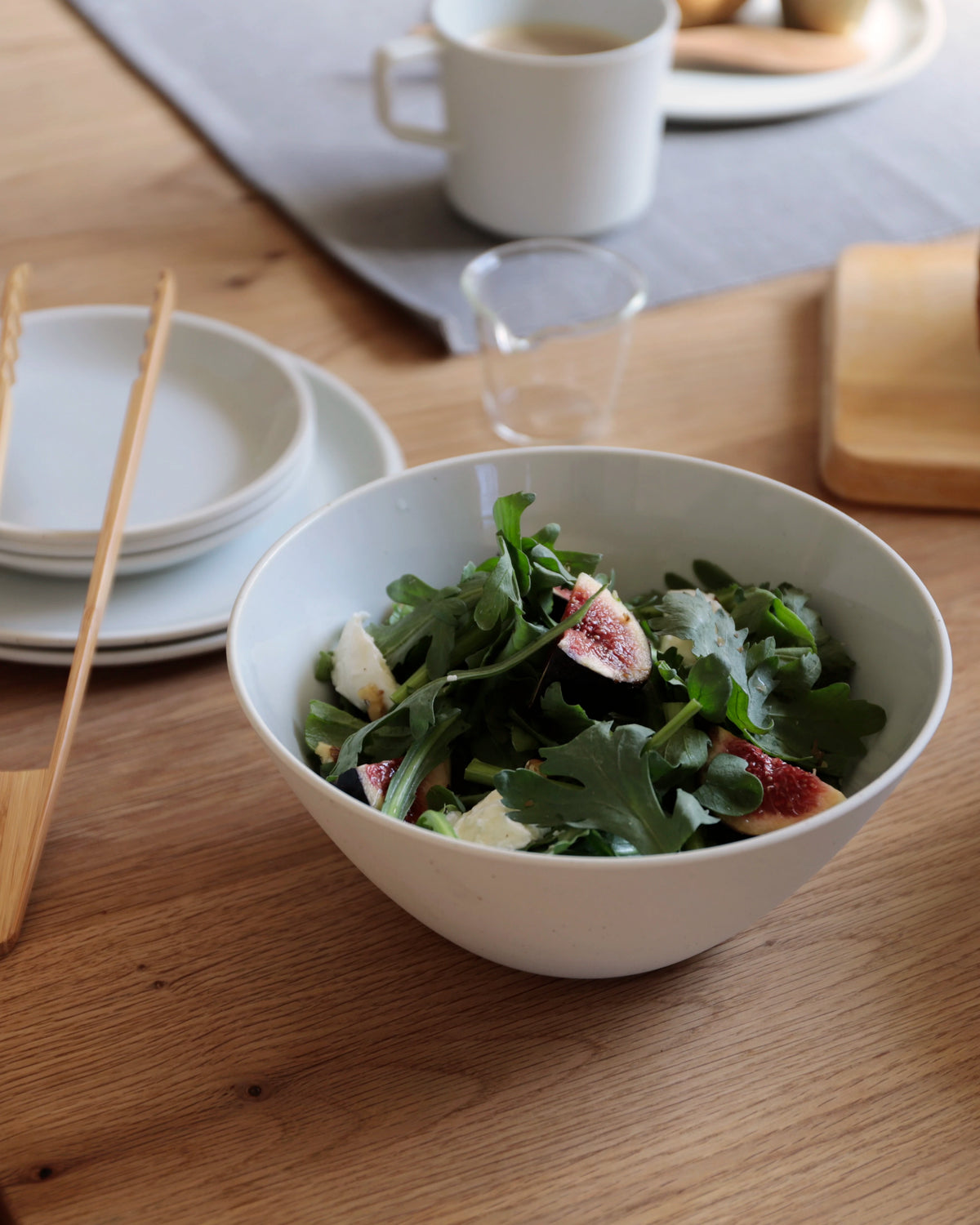
ARITA JIKI for effortless everyday use
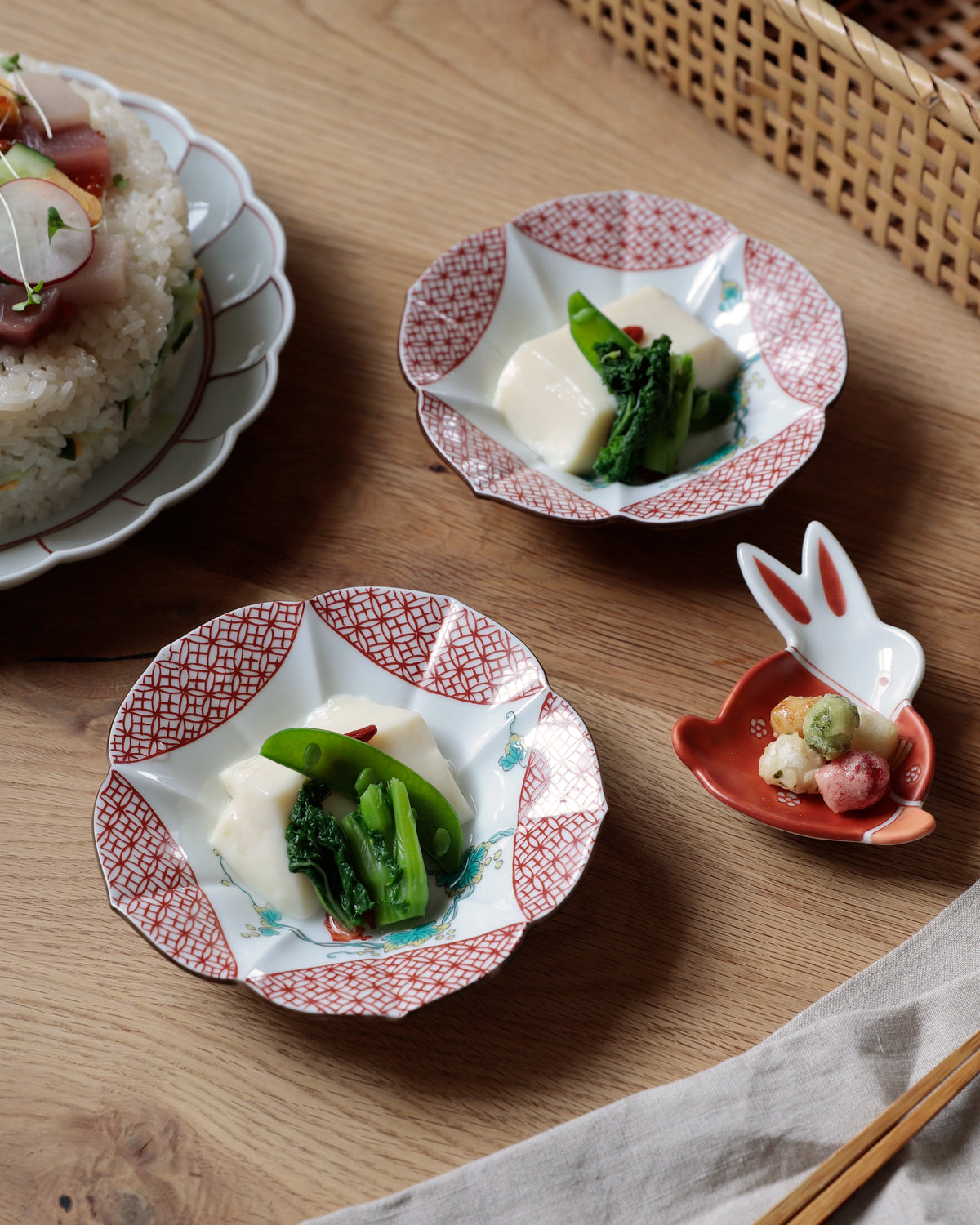
Festive tableware perfect for special occasions

The unique charm of hand-carved seals
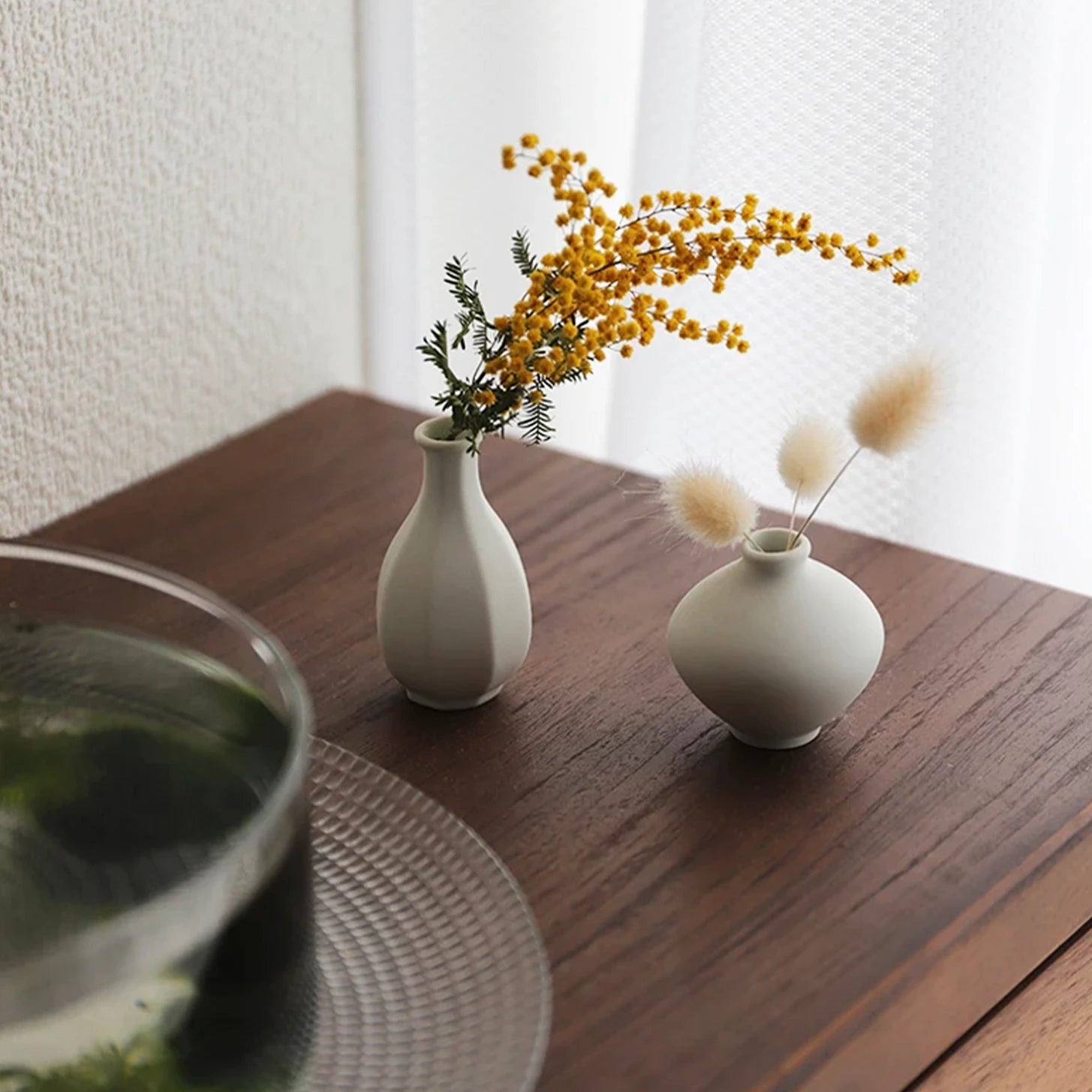
A Single Flower in Daily Life

I have collected Arita-yaki mamezara (small dishes).
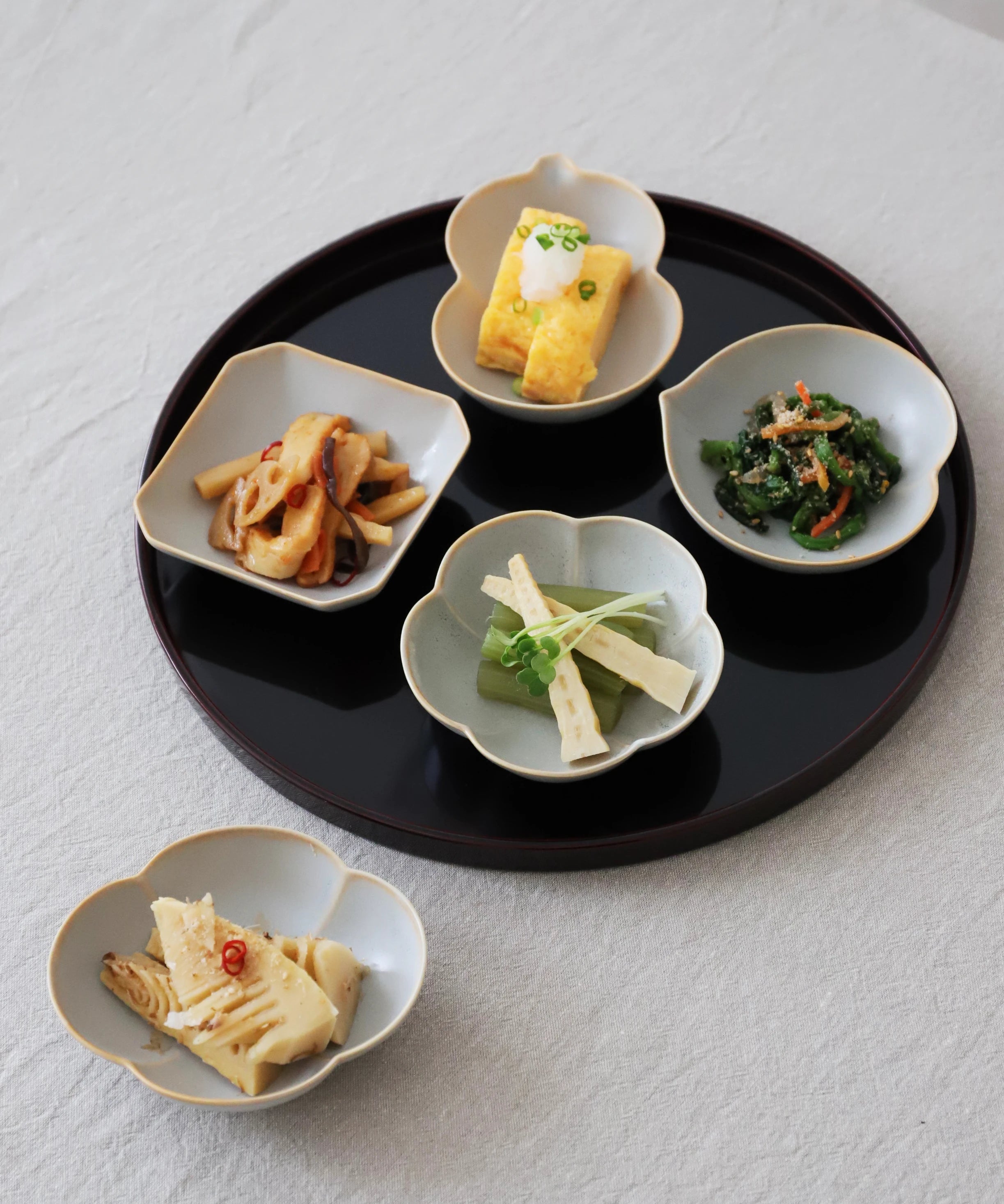
Motif of auspicious patterns
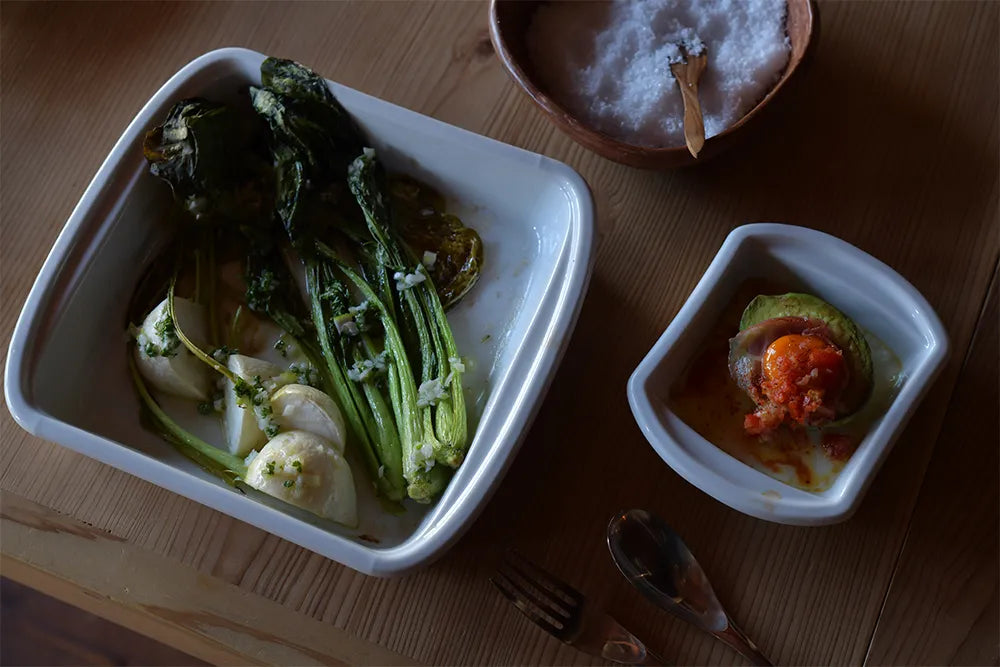
Oven-safe dishes for enjoying oven cooking
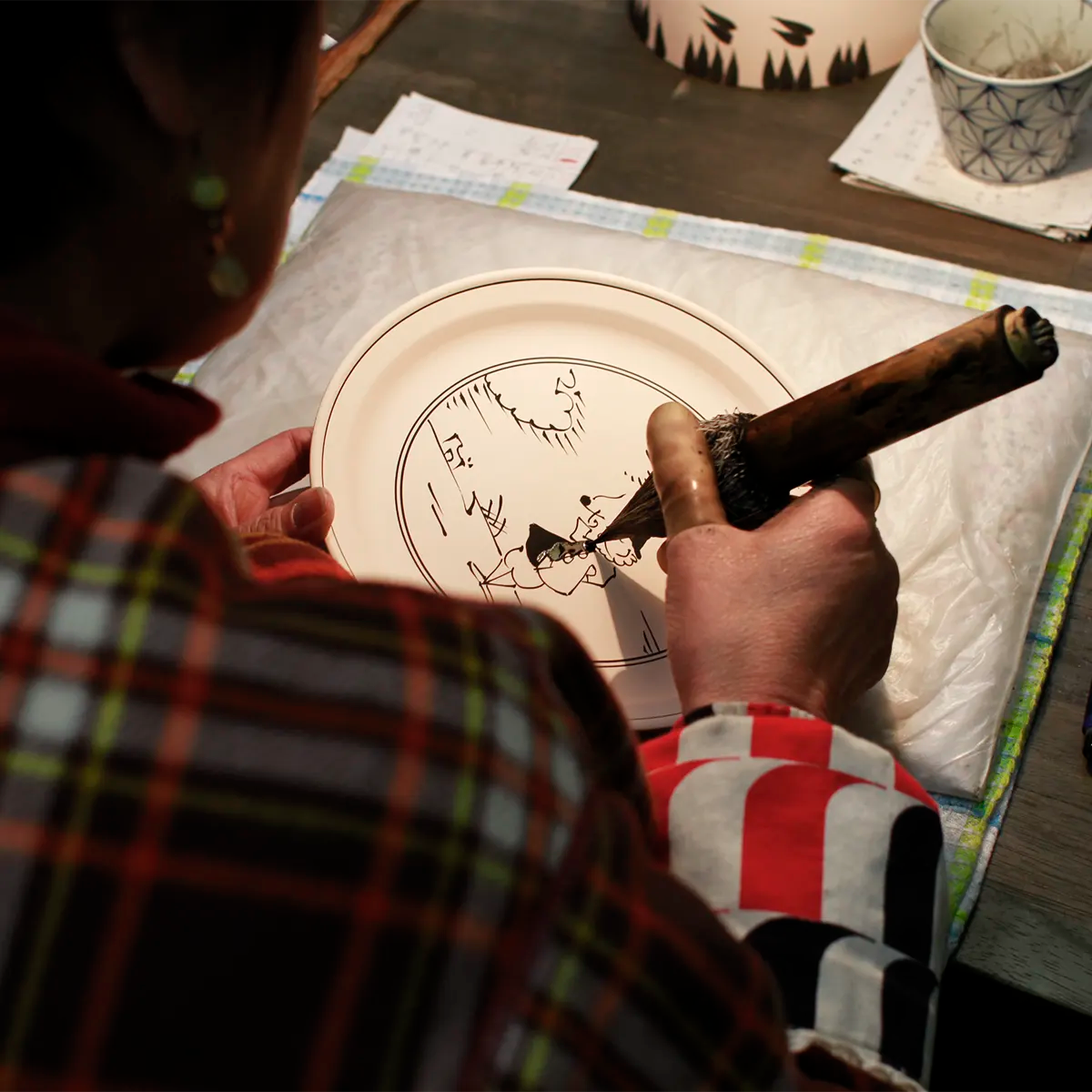
The charm of gosu blue and the warmth of the glaze